
The details, together.
Your site, visits, and submitted payment proofs stay connected to your service. A clearer record when you need to look back.
A brighter kind of everyday
Your rooftop. Your next cleaning. Your peace of mind. Bring your solar service into one simple app.
Small steps. Simpler service.
You take care of the big picture.
Keep the little service
details together with Solar360.
Add your solar site, location, and access details so your service starts with the right information.
Explore available cleaning plans, review the details, and request the visit dates that work for you.
Follow your booking, check visit updates, and keep your service and payment records close at hand.
Take a look around
Less keeping track.
More getting on with your day.
01 / Your overview
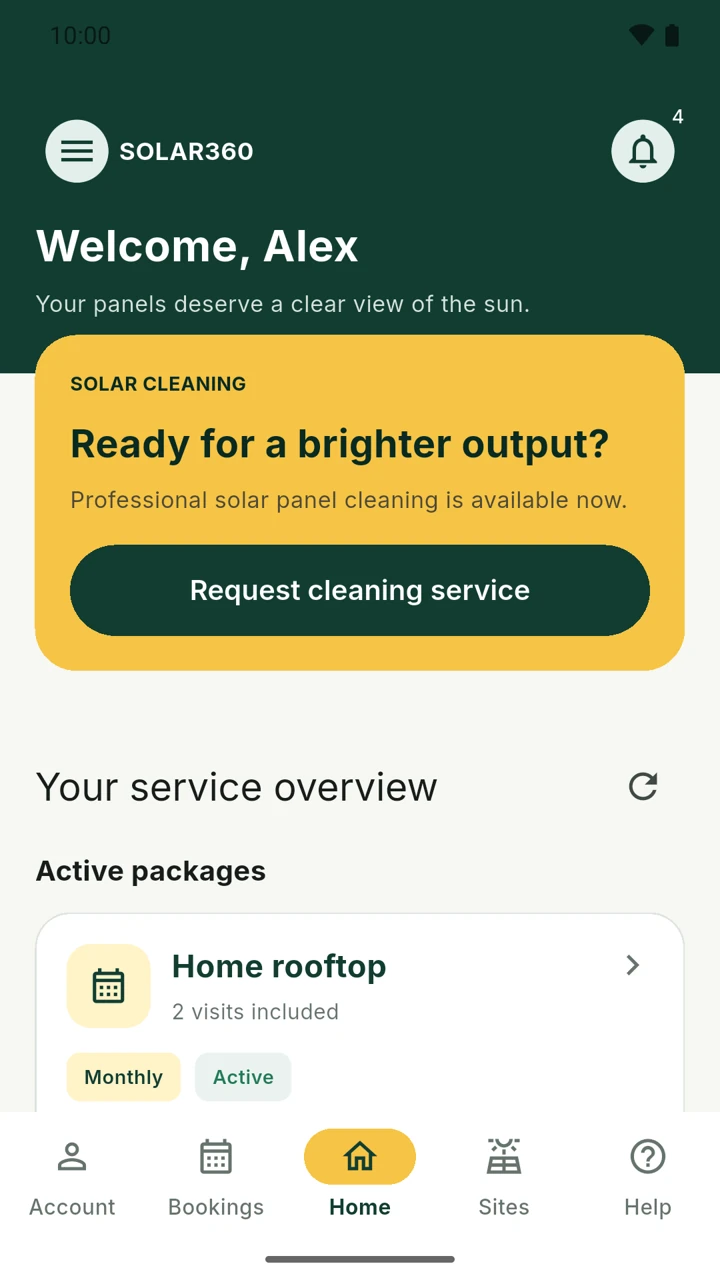
Open the app and pick up where you left off. Your cleaning service and active packages are right there when you need them.
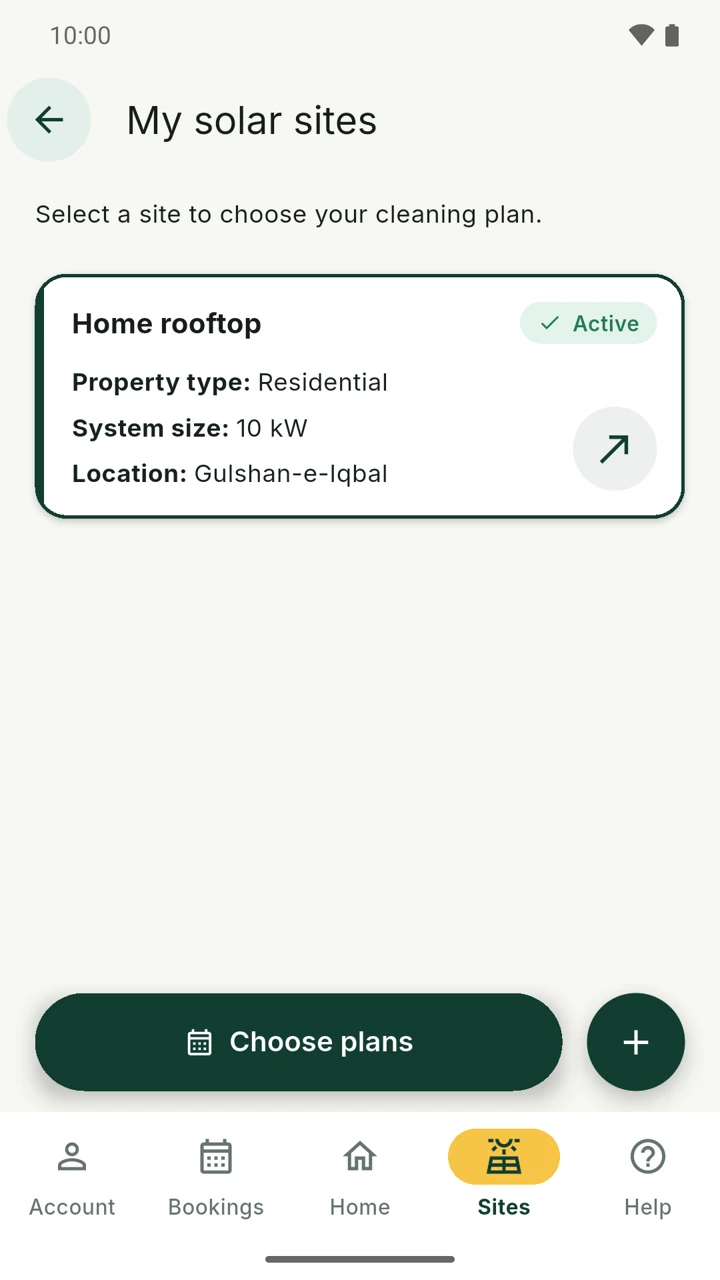
02 / Your sites
Give each solar site its own place. Save the details that help the service team understand your setup before a visit.
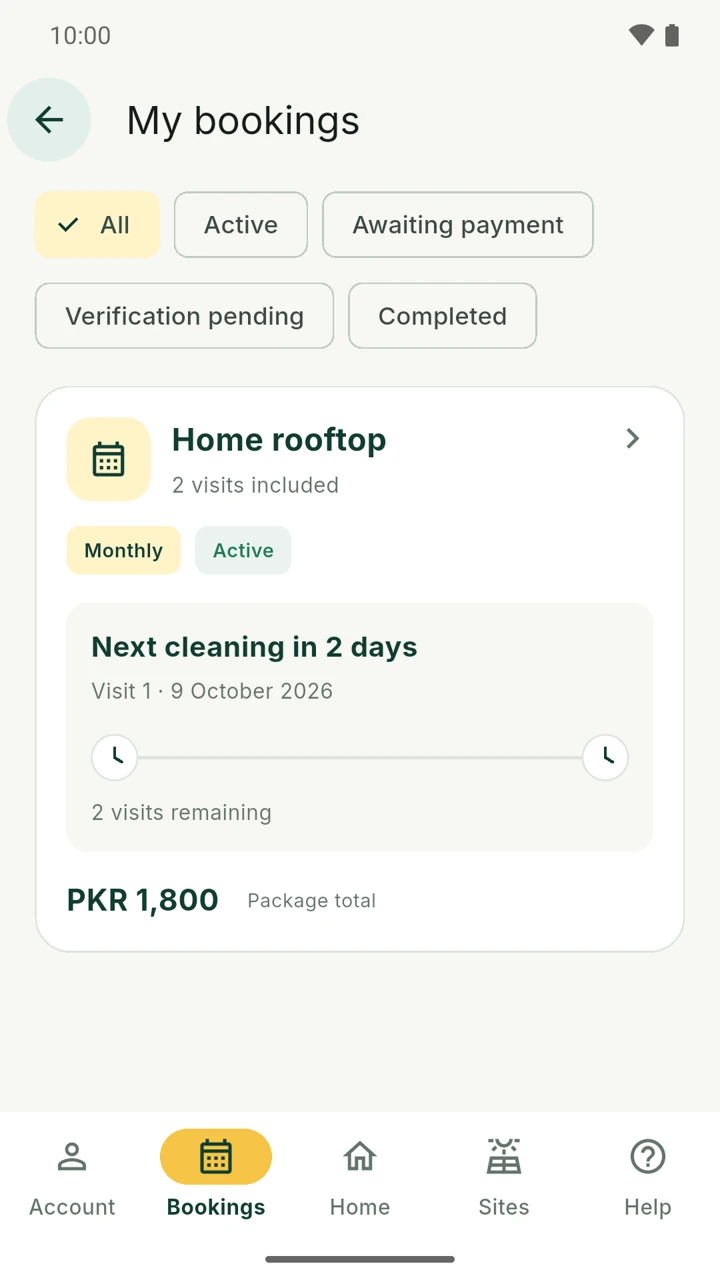
03 / Your bookings
Keep your plan, dates, and booking status in view. Open a booking for visit details, payment progress, and available request options.
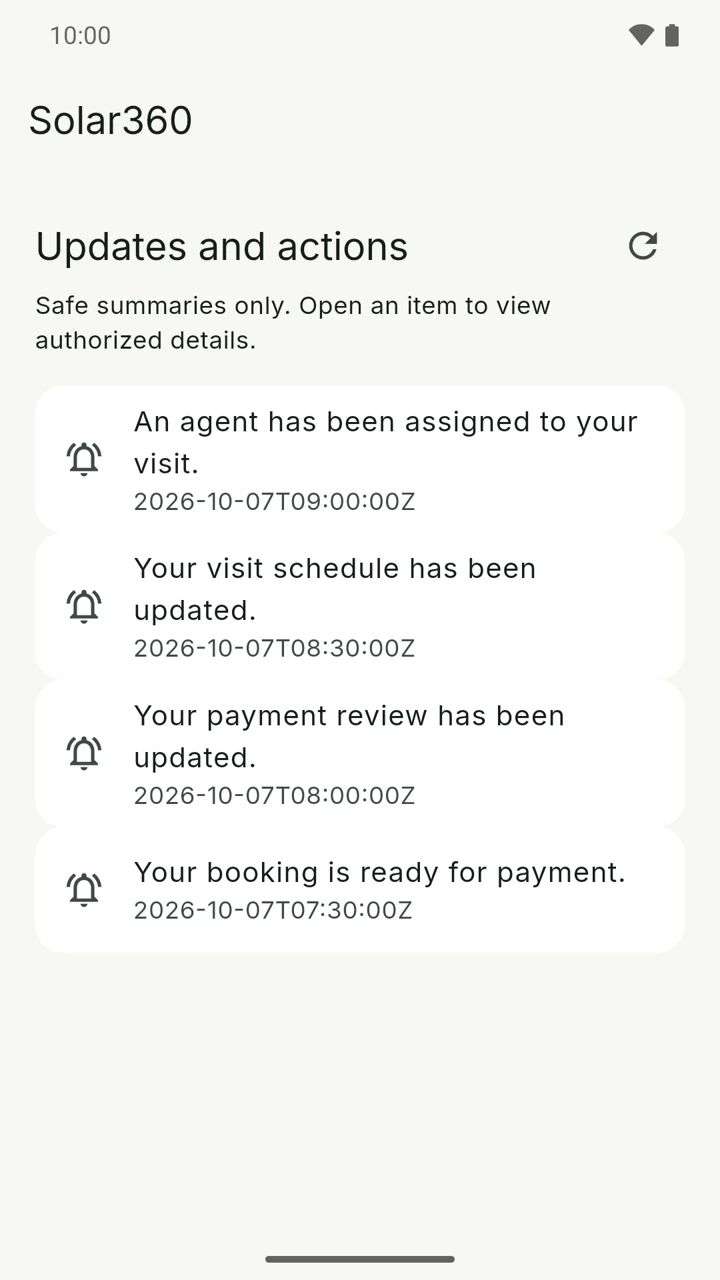
04 / Your updates
When your booking moves forward, find the update in the app. Open it to see the details related to your service.
Actual Solar360 app captures with illustrative sample data. Prices, dates, and screen layouts are examples and may change.
Care goes beyond the panels
Your site, visits, and submitted payment proofs stay connected to your service. A clearer record when you need to look back.
Need help with app access or a service question? Reach the Solar360 Team through our support page.
Let’s talkFind clear information about how your data is handled and how to request account deletion.
Read our privacy policyManage your solar sites, explore available panel cleaning plans, follow bookings and visits, and view service and payment review updates in one app.
Solar360 is currently in closed testing on Android. Access is available to invited testers. Contact the Solar360 Team to ask about app access and availability.
Add your site in the app, then explore the cleaning plans available for that site. Review the price, number of visits, and booking details before submitting your request. Contact support if you need help with service availability.
Open your booking and select the relevant visit to see the available rescheduling or cancellation request options. Requests are subject to the service rules and review; a new date is only confirmed once the schedule is updated.
Visit our support page or email support@thesolar360.com. For privacy questions or account deletion, use the links at the bottom of this page.
Here’s to brighter days
Meet a simpler way to manage your solar service.
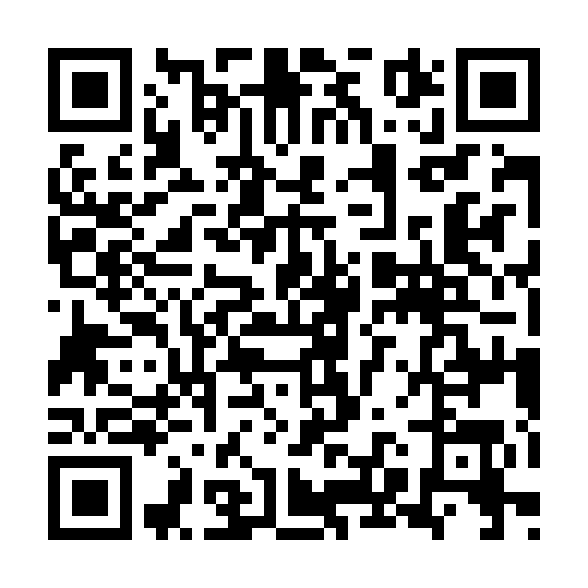
Point your phone camera at this QR code to view the Android app.
Use your Google account online, or install the Android app from Google Play when available to you.